Walk around your idea
Place virtual furniture on detected surfaces in Room mode and see the arrangement through your camera.
 Room Preview
A sofa here. A bigger TV there. Explore furniture, sizes and everyday details before you bring them home.

iOS 18+ · No account required
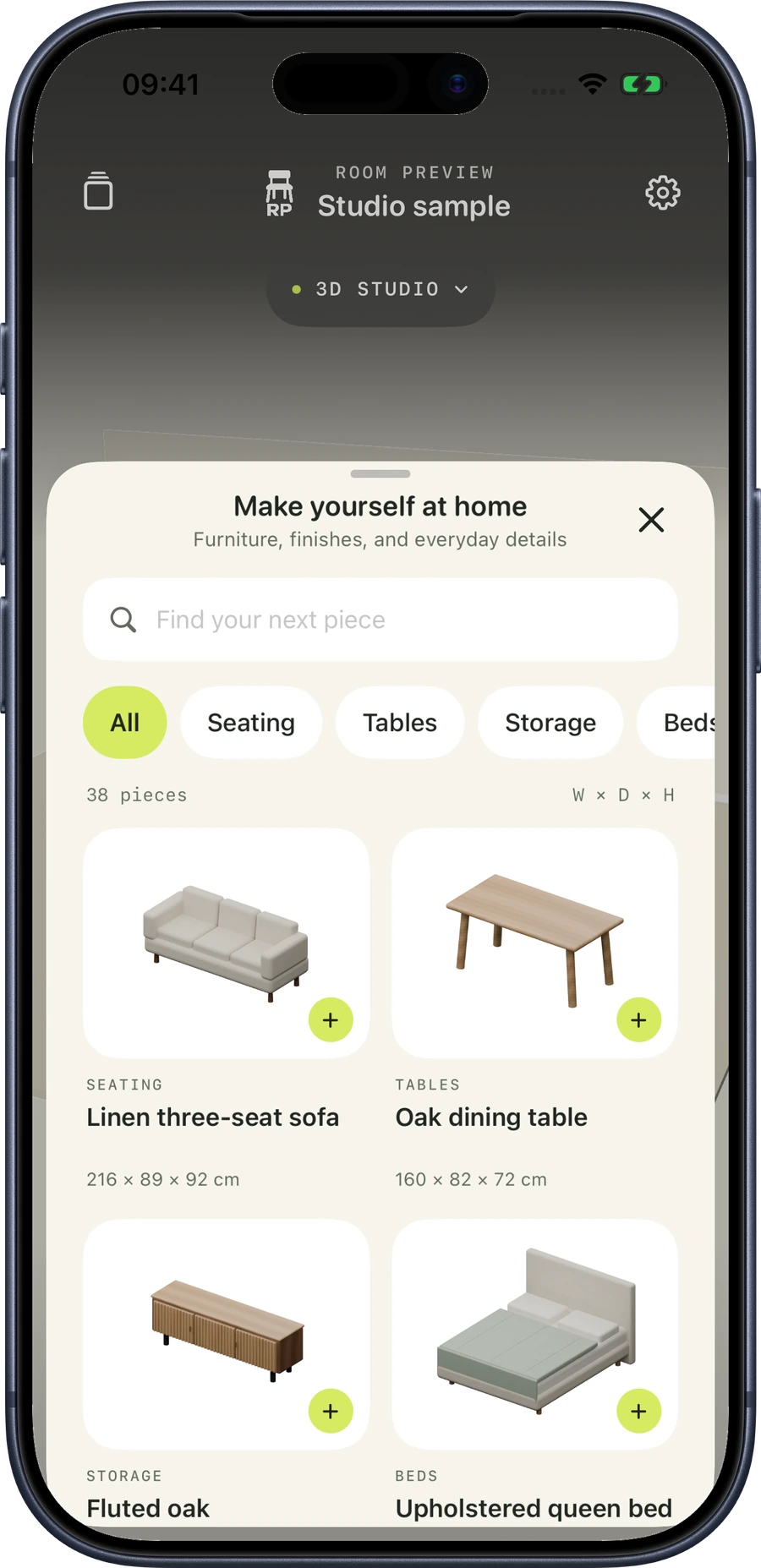
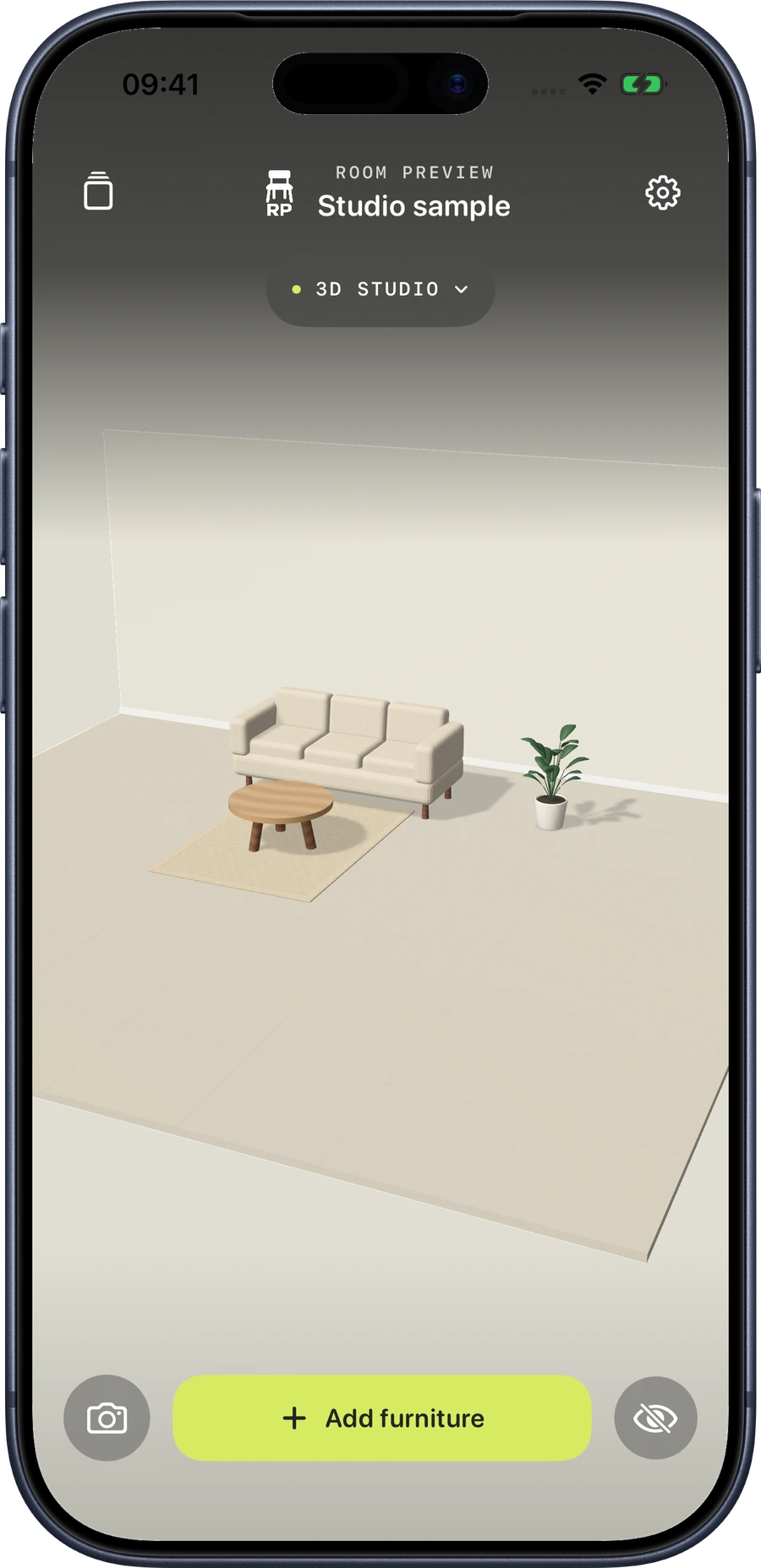
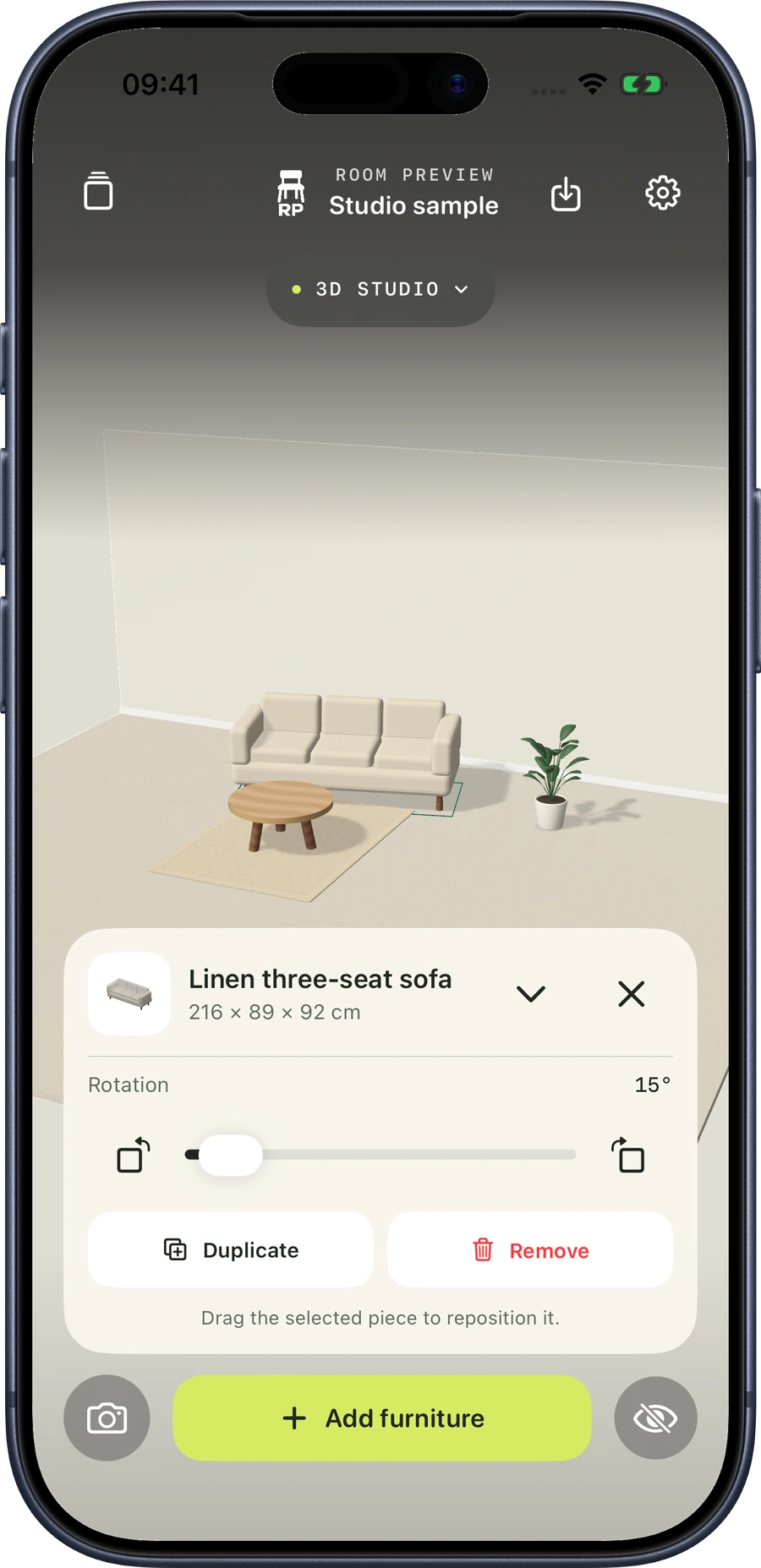
Real screens from the app’s Studio preview. Room mode uses your camera to place pieces in your space.
Try a layout in Studio before arranging your own space.
Browse furniture, TVs, plants, rugs and everyday details.
See dimensions, rotate a piece and adjust its position.
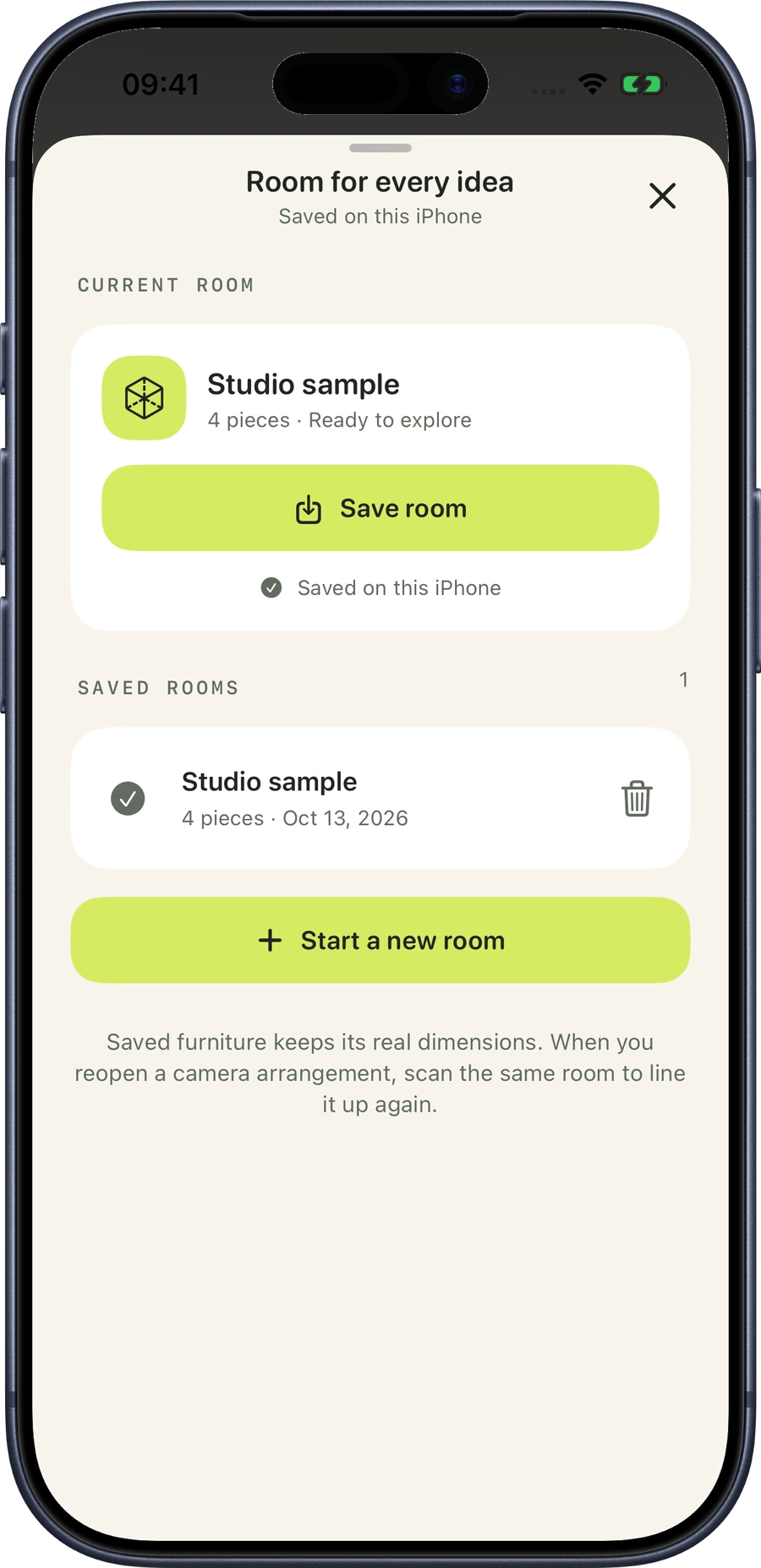
Save a room locally and return to your layout.
From a new apartment to a familiar corner, explore what fits your space and how you want it to feel.
Place virtual furniture on detected surfaces in Room mode and see the arrangement through your camera.
Compare TV sizes and check each piece’s listed dimensions. Measure your room and the real product before buying.
Try sofas, tables, beds, shelves, rugs, plants and electronics from a library of 38 models.
Floating controls keep your room in view. Hide the interface when you want to focus on the arrangement.
Explore pieces in a separate 3D Studio preview when you do not want to scan a room.
No account is required. Saved projects stay local, and you decide whether to save or share an image.
Room Preview is coming soon to the App Store for iPhone and iPad.
Allow Google Analytics to help us understand visits to this public website? The iOS app does not use Analytics.